4
EGP4,800
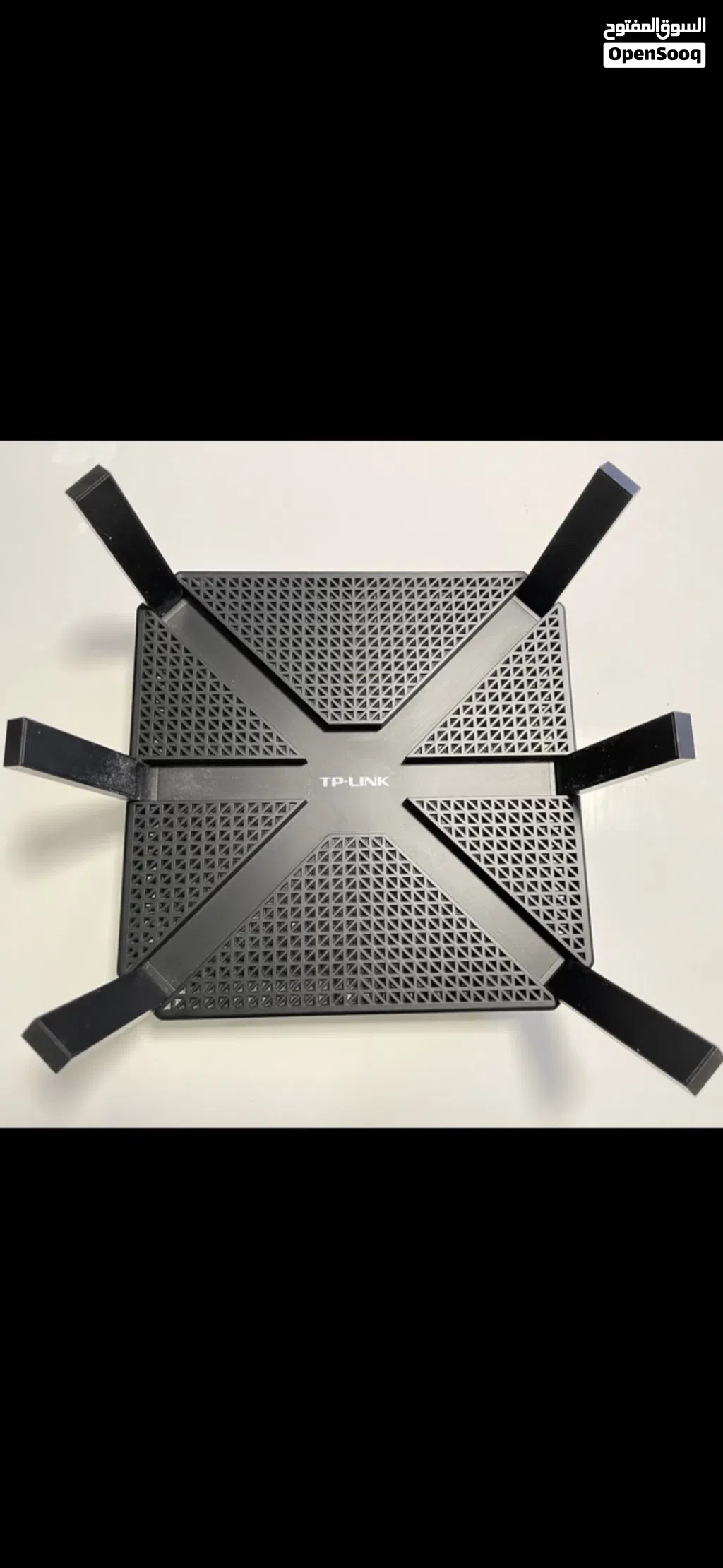
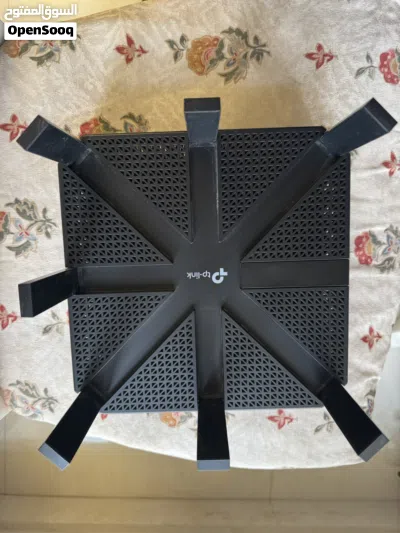
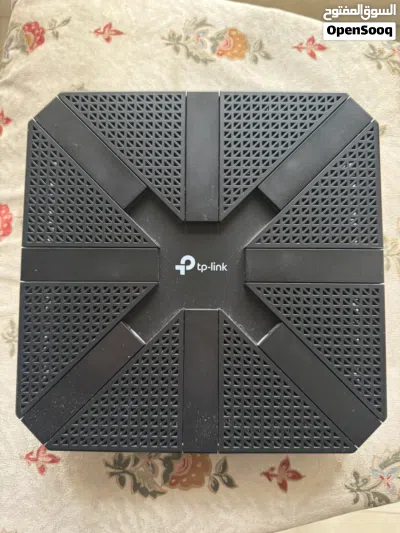
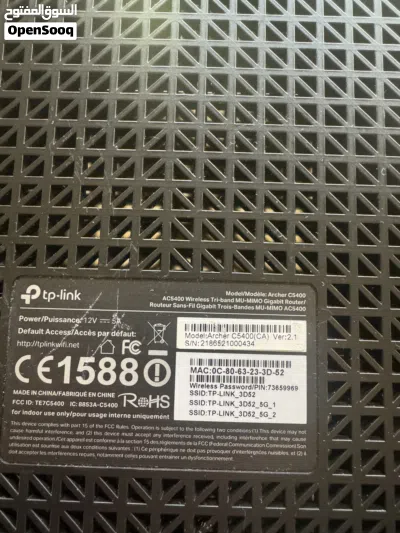
TP-Link AC5400 Wireless Wi-Fi Tri-Band Gigabit Router (Archer C5400)
- NeighborhoodFirst Settlement
- CityCairo
- Sub CategoryAccess Points
- CategoryComputers & Laptops
- Listing Id281868626
- Published Date31-05-2026
Description
WIRELESS
Standards and Protocols
Wi-Fi 5
IEEE 802.11ac/n/a 5 GHz
IEEE 802.11n/b/g 2.4 GHz
WiFi Speeds
AC5400
5 GHz: 2167 Mbps (802.11ac)
5 GHz: 2167 Mbps (802.11ac)
2.4 GHz: 1000 Mbps (802.11n)
WiFi Range
4 Bedroom Houses
8× Fixed High-Performance Antennas
Multiple antennas form a signal-boosting array to cover more directions and large areas
Beamforming
Concentrates wireless signal strength towards clients to expand WiFi range
High-Power FEM
Improves transmission power to strengthen signal coverage
4T4R
Multiple streams in the same band strengthen the fault tolerance in transmission
WiFi Capacity
High
Tri-Band
Allocate devices to different bands for optimal performance
4×4 MU-MIMO
Simultaneously communicates with multiple MU-MIMO clients
Airtime Fairness
Improves network efficiency by limiting excessive occupation
DFS
Access an extra band to reduce congestion
12 Streams
Connect your devices to more bandwidth
Working Modes
Router Mode
Access Point Mode
Processor
1.4 GHz Dual-Core CPU
Ethernet Ports
1× Gigabit WAN Port
4× Gigabit LAN Ports
Static Link Aggregation (LAG) available with 2× LAN ports
USB Support
1× USB 3.0 Port
1× USB 2.0 Port
Supported Partition Formats:
NTFS, exFAT, HFS+, FAT32
Supported Functions:
FTP Server
Media Server
Samba Server
Buttons
Wi-Fi On/Off Button
Power On/Off Button
LED On/Off Button
WPS Button
Reset Button
Standards and Protocols
Wi-Fi 5
IEEE 802.11ac/n/a 5 GHz
IEEE 802.11n/b/g 2.4 GHz
WiFi Speeds
AC5400
5 GHz: 2167 Mbps (802.11ac)
5 GHz: 2167 Mbps (802.11ac)
2.4 GHz: 1000 Mbps (802.11n)
WiFi Range
4 Bedroom Houses
8× Fixed High-Performance Antennas
Multiple antennas form a signal-boosting array to cover more directions and large areas
Beamforming
Concentrates wireless signal strength towards clients to expand WiFi range
High-Power FEM
Improves transmission power to strengthen signal coverage
4T4R
Multiple streams in the same band strengthen the fault tolerance in transmission
WiFi Capacity
High
Tri-Band
Allocate devices to different bands for optimal performance
4×4 MU-MIMO
Simultaneously communicates with multiple MU-MIMO clients
Airtime Fairness
Improves network efficiency by limiting excessive occupation
DFS
Access an extra band to reduce congestion
12 Streams
Connect your devices to more bandwidth
Working Modes
Router Mode
Access Point Mode
Processor
1.4 GHz Dual-Core CPU
Ethernet Ports
1× Gigabit WAN Port
4× Gigabit LAN Ports
Static Link Aggregation (LAG) available with 2× LAN ports
USB Support
1× USB 3.0 Port
1× USB 2.0 Port
Supported Partition Formats:
NTFS, exFAT, HFS+, FAT32
Supported Functions:
FTP Server
Media Server
Samba Server
Buttons
Wi-Fi On/Off Button
Power On/Off Button
LED On/Off Button
WPS Button
Reset Button
Frequently Asked Questions
How many listings are there in Access Points?
What's the safest method to contact advertisers?
How can I arrange a safe meeting and verify the product quality?

عمادReply to chat within day
5
12-08-2022
General Tips
- Only meet in public places
- Never pay or transfer money in advance
- Inspect the product before you buy it
Sell Anything on OpenSooq
Do you have a similar Listing?
Add New Listing

Want more views?
Promote or Repost your listing
Explore More